

Overview
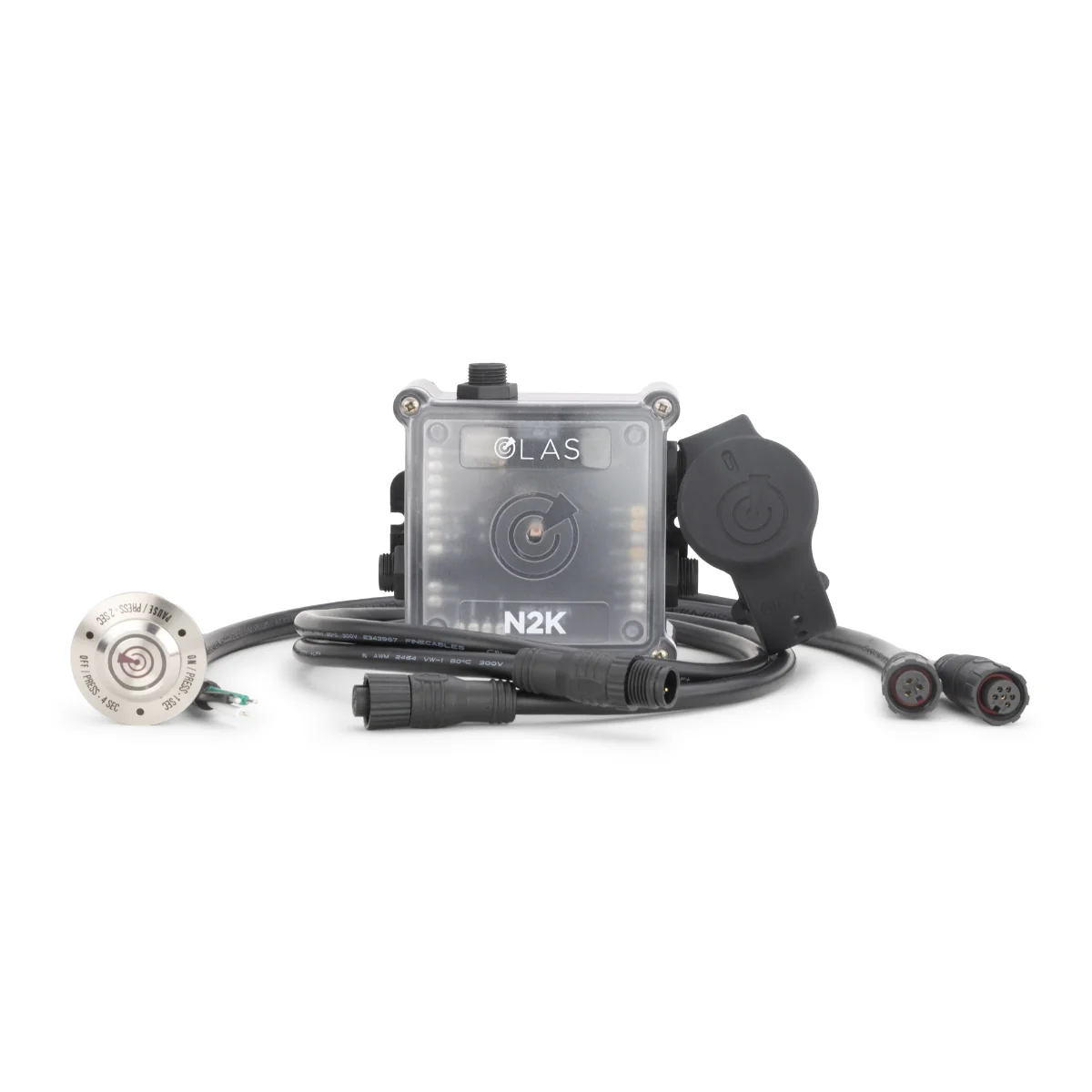
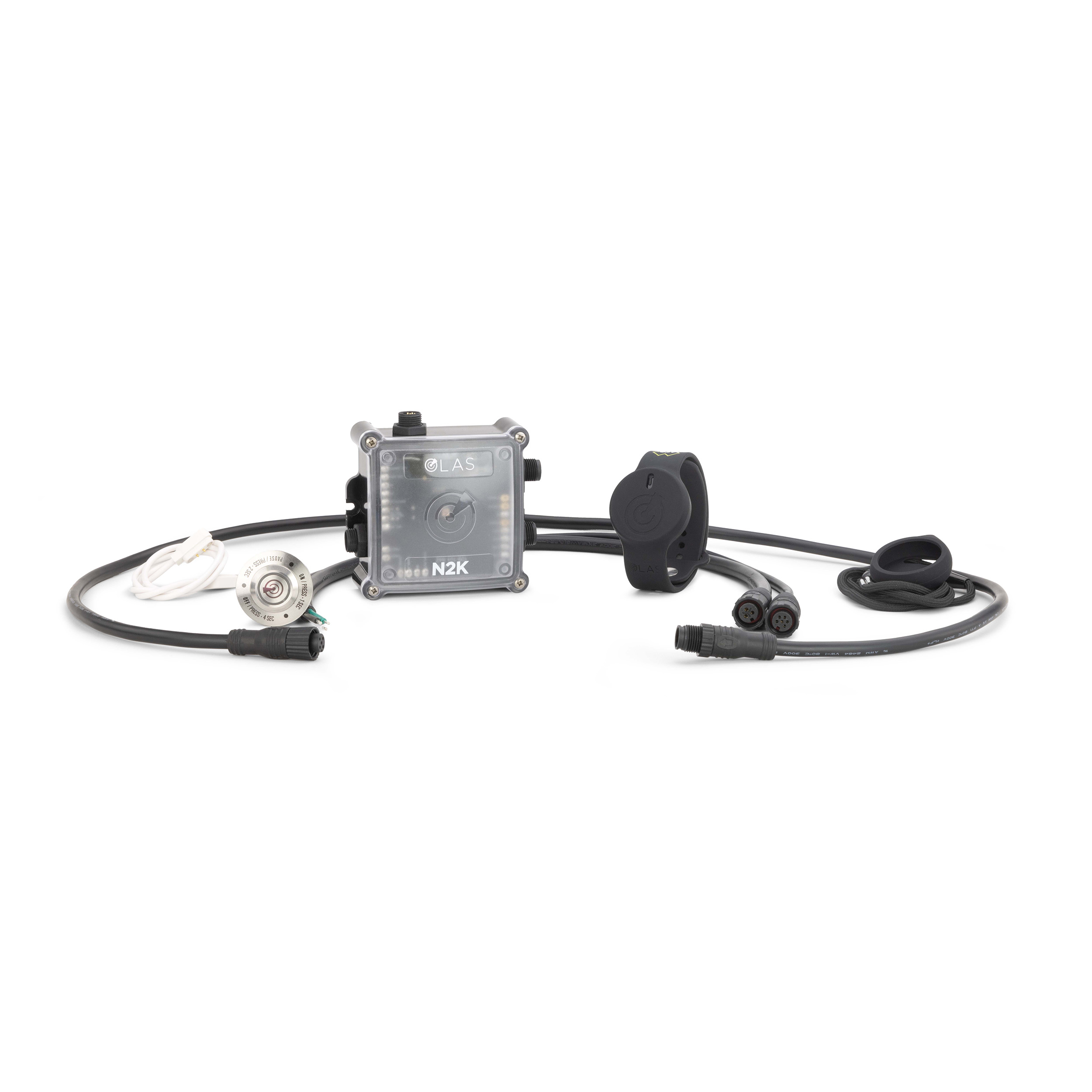
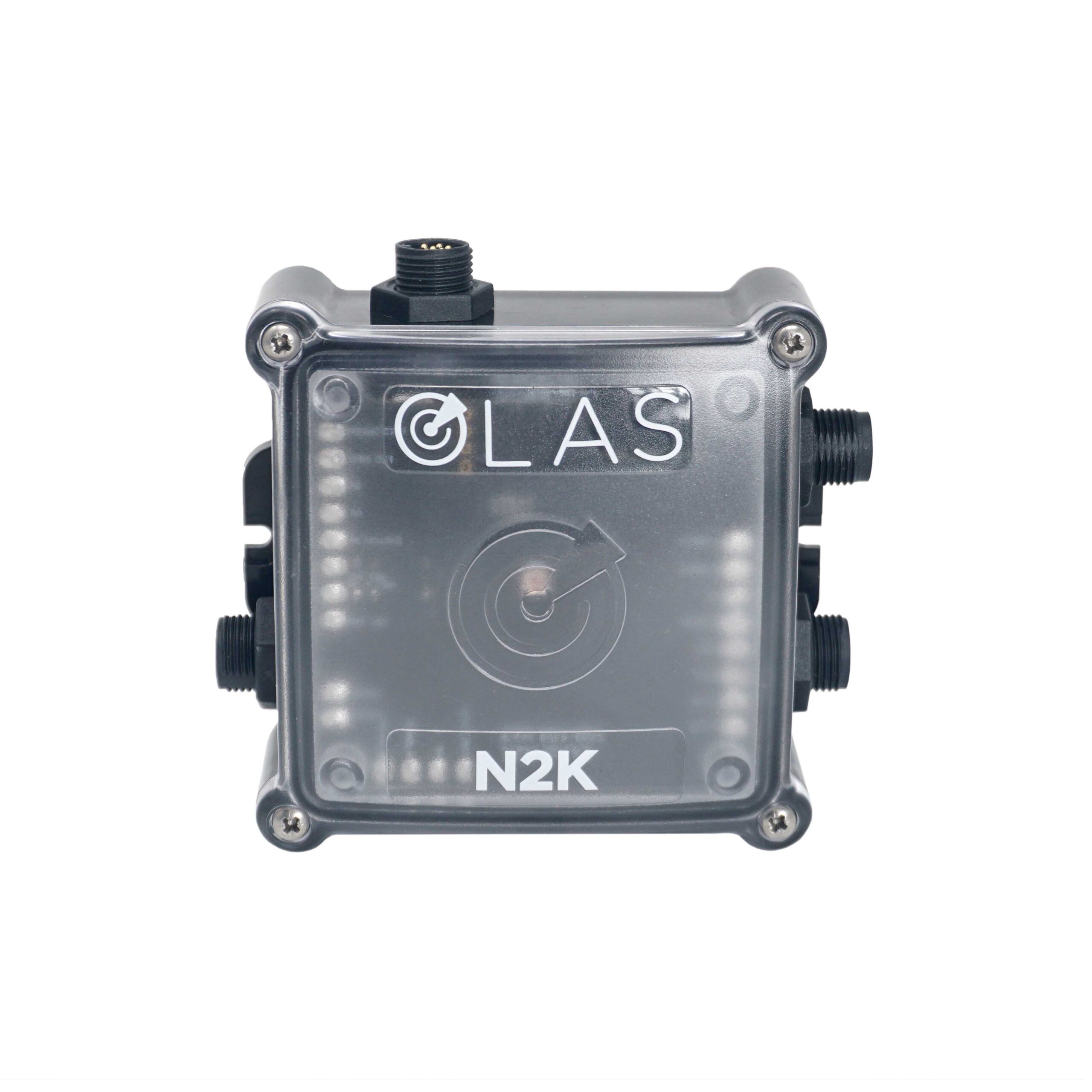
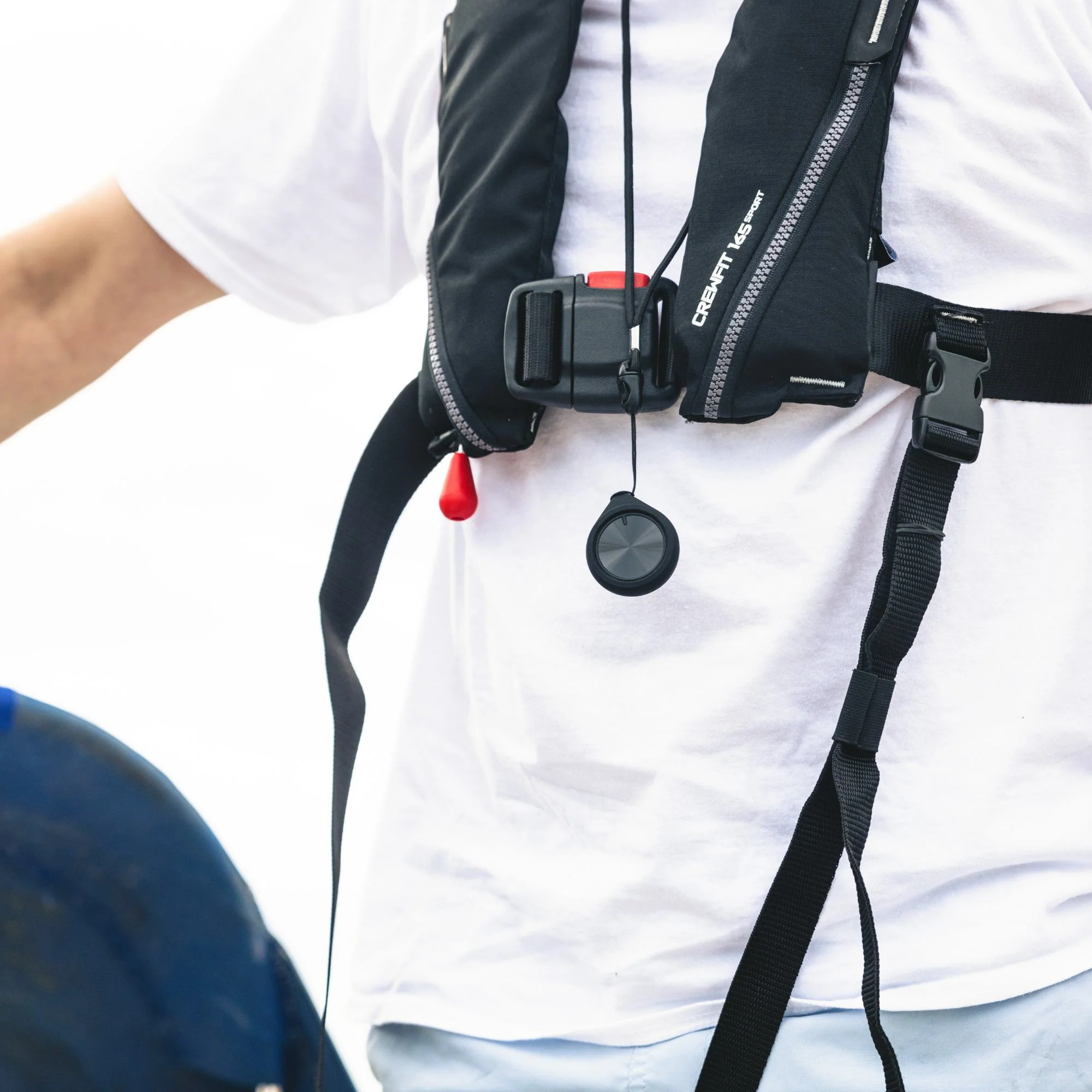
Yes, the N2K can set-up, monitor and alert without requiring the OLAS mobile application. Through light indication on the switch and sound signals from the hub, the user can easily check the number of OLAS transmitters being tracked and the state of the device i.e. scanning, tracking, paused or alarming. The OLAS mobile app is only required as an additional tool to aid in setup and monitoring the OLAS system. The OLAS app also acts as an extra alarm and includes rescue screens to aid in MOB rescue including scripted Mayday call and Solo mode, an automated text message for use whilst on your own, within cellular range (minimum 2G or Wi-Fi required).
When an OLAS transmitter is switched on, will it automatically be tracked by the OLAS system?
Features
- Do not connect other Bluetooth devices whilst using the OLAS app
- Ensure the OLAS app is at least 1 meter from other RF transmitting devices
- Select ‘Always’ for location access in your App settings
- Only 6 OLAS tags should be ON within range of the OLAS app (if tracking without the Core/Guardian/N2K)
- Avoid carbon, metal or water as this will block the OLAS data
- Always check connections prior to setting off
- Direct tracking with the OLAS app is suitable for vessels up to 30ft
- Tracking via the Core, Guardian, or N2K is suitable for vessels up to 50ft
- Tracking using additional Extenders is suitable for vessels up to 100ft.
- Always test the range limitations to avoid false alerts.
- Only test 1 OLAS TAG at a time
- Testing whilst on a moving vessel gives a more accurate representation of how the system operates. The test can also be carried out on land.
- You will see TAGS status change from Green reading “Immediate,” “Near,” or “Far” to Red reading “Paused” to “Unknown”
- After 8 to 12 seconds the alarm will sound
- Accept the alarm and then walk away from the TAG. A searching icon will appear to indicate that you are still within 20 meters of the point of loss and would be within visual contact of the man overboard (MOB)
- Having walked approximately 20 meters from the TAG, the searching icon will change to an arrow pointing back towards the point of loss. Continue walking for a further 20 meters, this will simulate the vessels onward movement prior to stopping and changing direction to perform a search and rescue.
- When you reach around 40 meters from the point of loss turn around and follow the arrow
- Once back within 20 meters the searching icon reappears, this would indicate when you should initiate a search protocol based on the wind and tidal conditions
Specifications
| Specifications | |
| Size SKU | 92 (H) x 90 (L) x 38 (W) mm EXPOLASN2K |
Documentation
- WARNING: PROP 65
- OLAS N2K Data Sheet
- OLAS System Diagram
- OLAS App Setup
- OLAS EU Declaration of Conformity- N2K / CONNECT / GUARDIAN
- OLAS N2K Product Manual
Full manufacturer information: www.acrartex.com
Request a quote for this product (model ACR-EXPOSURE-OLAS-N2K)


